Getting Started with RSM
Getting Started with RSM
Welcome to RSM, your comprehensive platform for real estate investments in Africa. This guide will walk you through the process of signing up, logging in, and setting up your profile on our platform.
Signing Up
Step 1: Accessing the Sign-Up Page
- Navigate to the RSM website.
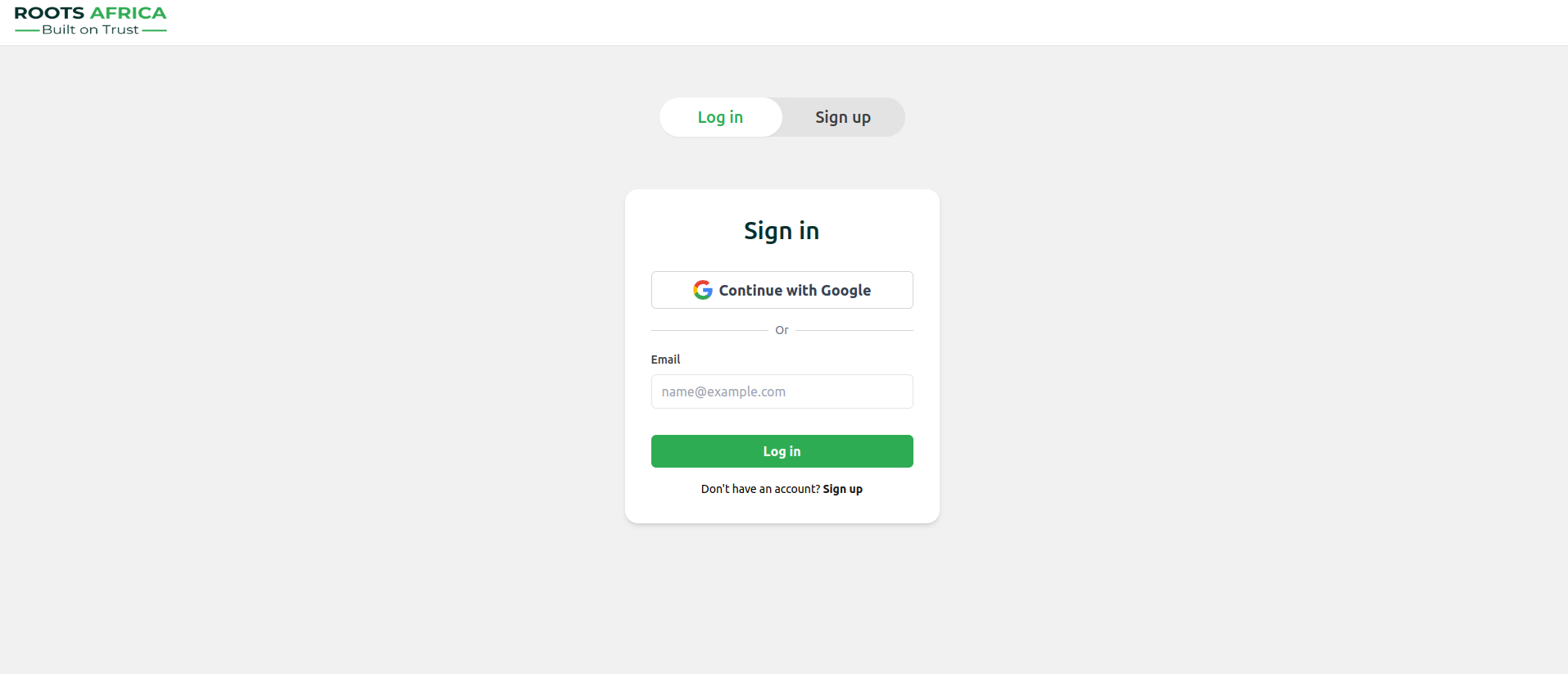
- On the homepage, you'll see options to "Log in" or "Sign up" in the top right corner.
- Click on "Sign up" to begin creating your account.
Step 2: Creating Your Account
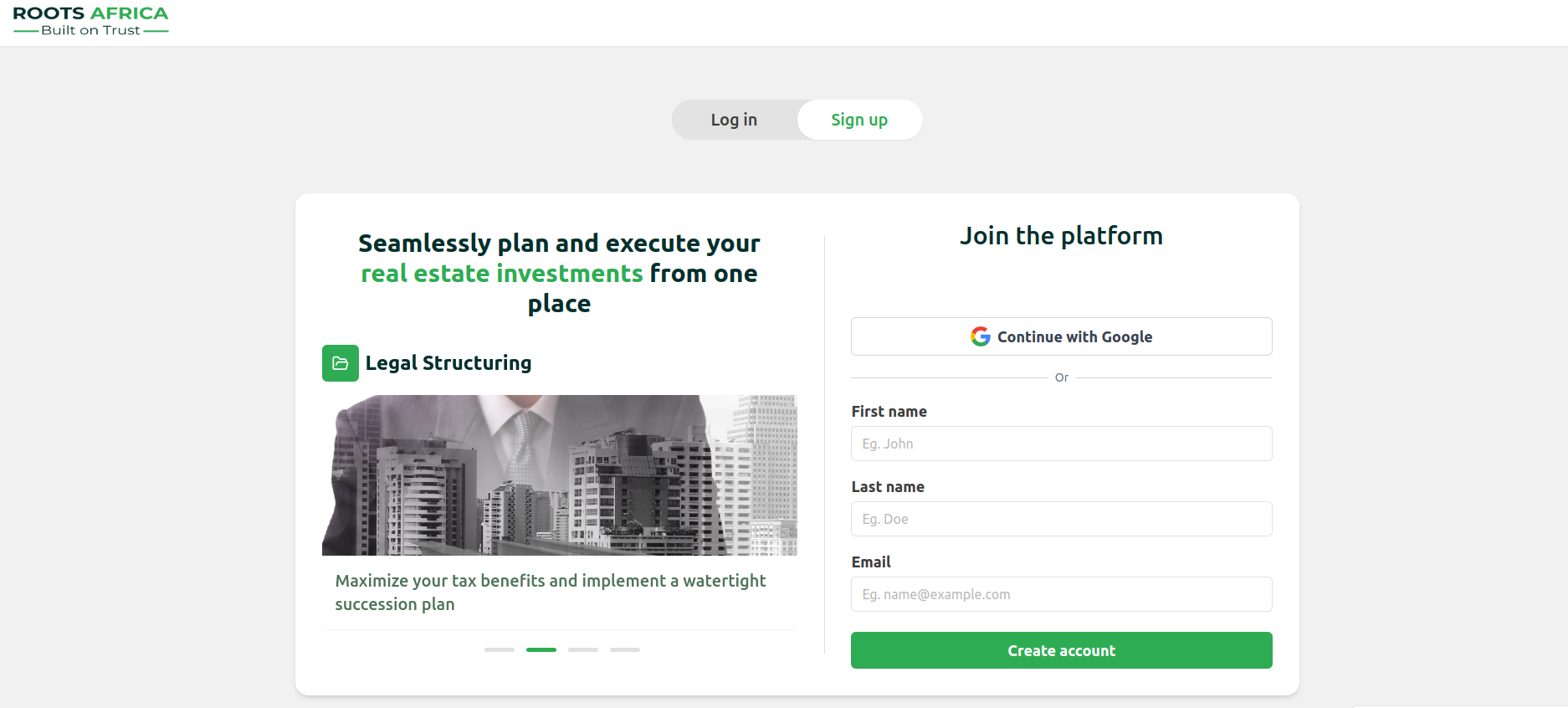
- On the sign-up page, you have two options for creating an account:
- Click "Continue with Google" to sign up using your Google account.
- Or, fill in the following details in the form:
- First name (e.g., John)
- Last name (e.g., Doe)
- Email address (e.g., name@example.com)
- After entering your details, click the green "Create account" button.
Step 3: Email Verification
- After signing up, you will receive a verification email at the address you provided.
- Open the email and click on the verification link or copy the verification code.
- If using a link, you'll be redirected to the platform to confirm your email.
- If using a code, enter it on the verification page when prompted.

Logging In
- On the homepage, click "Log in" in the top right corner.
- Enter your email address and click "Continue".
- You will receive an email with a login link or verification code.
- If using a link, click it to be automatically logged in.
- If using a code, enter it on the verification page to complete the login process.
Getting Started on the Platform
Step 1: Introduction to the Platform
After verifying your email and logging in, you'll be introduced to the RSM platform:
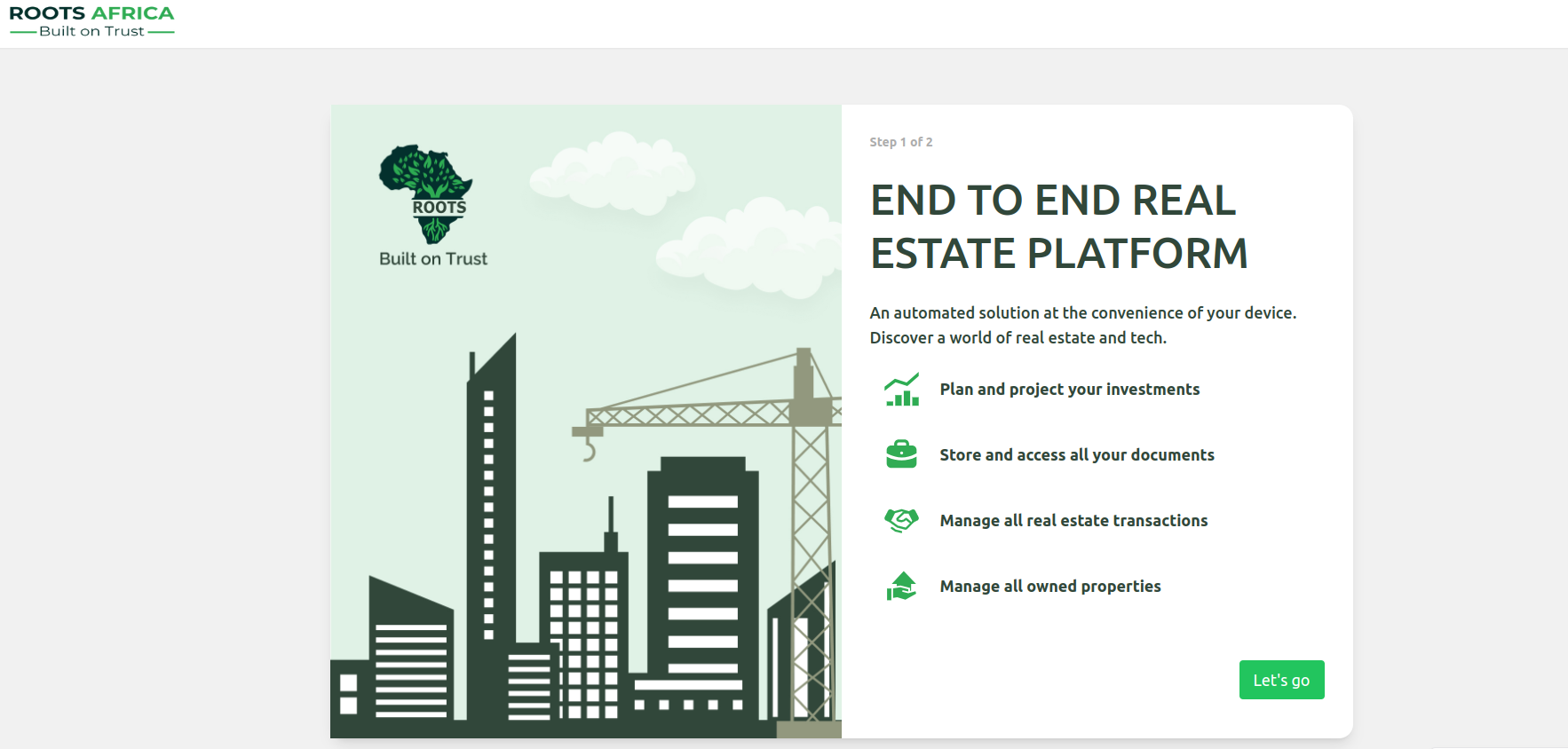
This page provides an overview of the platform's key features:
- Plan and project your investments
- Store and access all your documents
- Manage all real estate transactions
- Manage all owned properties
Click the green "Let's go" button to proceed to the next step.
Step 2: Profile Customization
The next step is to customize your profile:
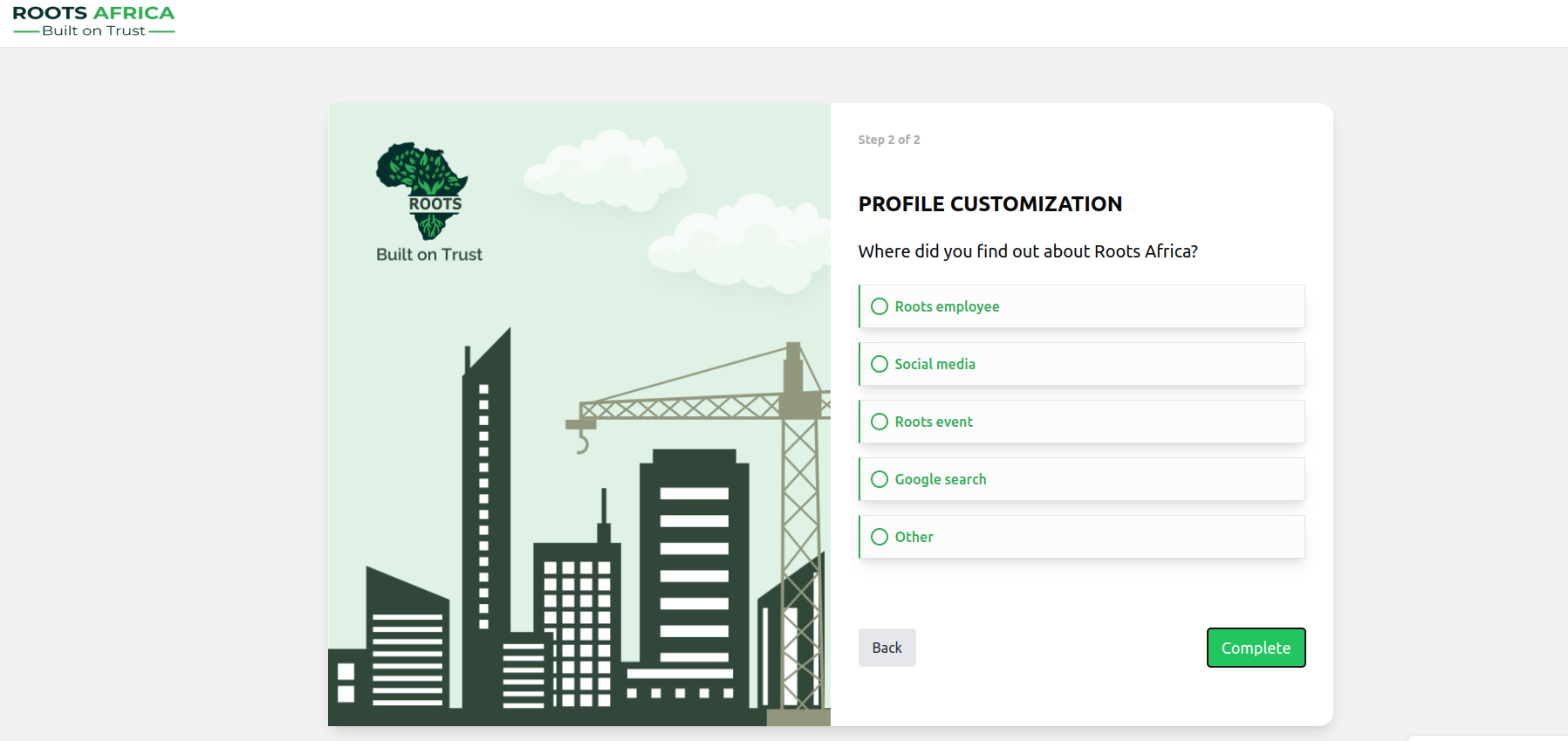
- You'll be asked: "Where did you find out about RSM?"
- Choose from the following options:
- Roots employee
- Social media
- Roots event
- Google search
- Other
- Select the appropriate option by clicking on it.
- Click the green "Complete" button to finish setting up your profile.
Congratulations! You've now successfully signed up, logged in, and set up your profile on the RSM platform. You're ready to start exploring real estate investment opportunities across Africa.
For more detailed information on using specific features of the platform, please refer to our other documentation guides.